Demystifying Compiler Toolchains - Understanding Module Names
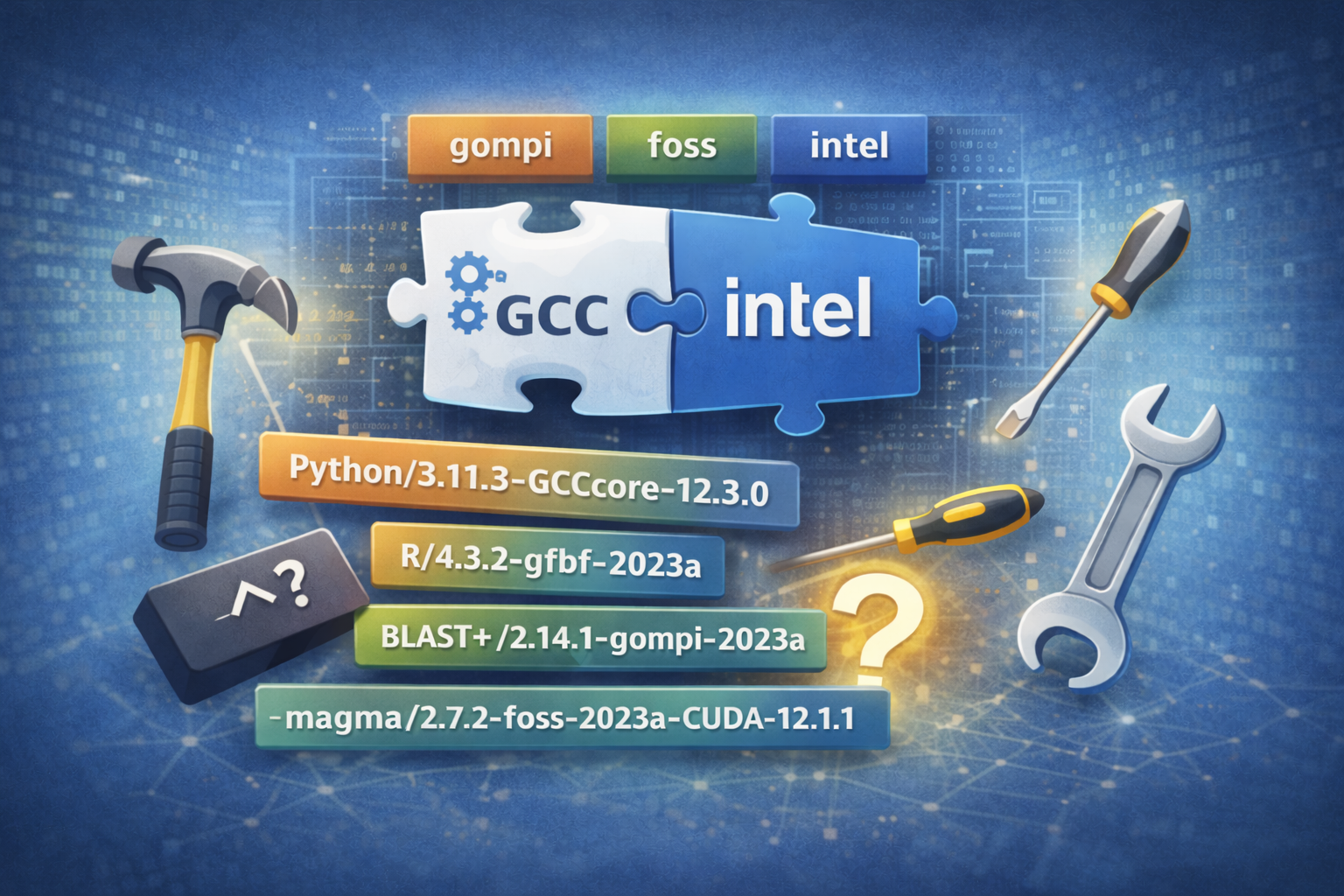
When you run module avail on our cluster, you'll see names like:
Python/3.11.3-GCCcore-12.3.0
R/4.3.2-gfbf-2023a
BLAST+/2.14.1-gompi-2023a
Biopython/1.83-foss-2023a
magma/2.7.2-foss-2023a-CUDA-12.1.1
What do those cryptic suffixes mean? Why foss? Why intel? And why does it matter? Let's decode the mystery of compiler toolchains.
What Is a Compiler Toolchain?
Think of a toolchain as a complete construction kit for building software. Just as a carpenter needs a coordinated set of tools—hammer, saw, screws that fit the screwdriver—scientific software needs a coordinated set of components:
- Compiler: Translates human-readable code (C, C++, Fortran) into machine instructions
- Math libraries: Optimized routines for linear algebra, FFTs, etc. (BLAS, LAPACK, FFTW)
- MPI library: Enables parallel communication across nodes (OpenMPI, Intel MPI)
- Build tools: Utilities that help compile software
A toolchain bundles these components together, ensuring they work harmoniously. This coordination is critical—mixing incompatible components can lead to crashes, incorrect results, or mysterious errors.
Meet the Common Toolchains
GCCcore: The Minimal Foundation
GCCcore is the GNU Compiler Collection (GCC) on its own, without MPI or math libraries. You'll see this for:
- Basic tools that don't need parallel computing (editors, Python, many utilities)
- Foundation packages that other software builds upon
Example: Python/3.9.6-GCCcore-11.2.0
foss: Free and Open Source Software
foss (yes, it stands for "Free and Open Source Software"!) is the most popular toolchain and includes:
- GCC: GNU compilers (gcc, g++, gfortran)
- OpenMPI: Open-source MPI implementation
- OpenBLAS: Optimized linear algebra library
- FFTW: Fast Fourier Transform library
- ScaLAPACK: Parallel linear algebra
Example: GROMACS/2021.3-foss-2021b
This is your go-to toolchain for most scientific applications. It's free, well-tested, and works with virtually everything.
intel: The Performance Option
The intel toolchain uses Intel's proprietary compilers and libraries:
- Intel compilers: icc, icpc, ifort
- Intel MPI: Intel's MPI implementation
- Intel MKL: Math Kernel Library (highly optimized BLAS, LAPACK, FFTW)
Example: NumPy/1.21.1-intel-2021a
Intel tools often produce faster code on Intel processors, but they're commercial software (though free for academic use). Some users prefer them for performance-critical applications.
gompi: The Middle Ground
gompi combines:
- GCC: GNU compilers
- OpenMPI: Open-source MPI
It's like foss but without the math libraries. Used for MPI-enabled applications that bring their own math libraries or don't need them.
The Version Mystery: What's 2021b?
You'll notice toolchains have versions like 2021a or 2021b. These are EasyBuild releases that specify exact versions of all components:
foss-2021bmight mean: GCC 11.2.0, OpenMPI 4.1.1, OpenBLAS 0.3.18, etc.foss-2022awould have newer versions: GCC 11.3.0, OpenMPI 4.1.4, etc.
The letter (a, b) indicates releases within the same year. This naming ensures reproducibility—everyone using foss-2021b gets the exact same environment.
Why Toolchains Matter: The Compatibility Rule
Here's the golden rule: Software built with one toolchain should not be mixed with software from another.
Why? Imagine building a house where:
- The electrical system uses metric measurements
- The plumbing uses imperial measurements
- The structural beams use a third system
Chaos, right? The same applies to compiled software. Mixing toolchains can cause:
- Crashes: Incompatible binary interfaces
- Wrong results: Different math library implementations
- Performance issues: Conflicting optimizations
- Mysterious errors: "Undefined symbol" messages
Reading Module Names: A Practical Guide
Let's decode a real module name:
Breaking it down: - TensorFlow: The software package - 2.15.1: TensorFlow version - foss-2023a: Built with the foss 2023a toolchain - CUDA-12.1.1: GPU support with CUDA version 12.1.1
When you load this module, you're getting TensorFlow compiled specifically with: - GCC compilers from foss-2021a - OpenMPI for distributed training - Optimized math libraries - CUDA for GPU acceleration
Practical Advice: Choosing Your Toolchain
For most users, follow these guidelines:
Starting a New Project?
Use the latest foss toolchain available. Check what's current:
Need Maximum Performance?
Try the intel toolchain if: - Your code is CPU-intensive - You're running on Intel processors - You've exhausted optimization with foss
Continuing Existing Work?
Stick with the same toolchain you've been using. Consistency matters more than having the absolute latest version.
Installing New Software?
Check what toolchains are available:
If multiple toolchains are available, prefer matching your other dependencies.
Common Questions
Q: Can I mix Python/3.9.6-GCCcore-11.2.0 with NumPy/1.21.1-foss-2021b?
A: Generally yes! Since foss-2021b includes GCCcore-11.2.0, they're compatible. EasyBuild handles these dependencies automatically.
Q: Why don't we just use one toolchain for everything?
A: Different software has different requirements. Some needs GPU support, some doesn't. Some benefits from Intel optimizations, some doesn't. Flexibility helps us optimize for each use case.
Q: I got an "undefined symbol" error. Is it a toolchain issue?
A: Possibly! Check with module list to see what toolchains are loaded. Look for mismatches like mixing foss and intel modules.
Q: How do I know which toolchain to use for my work?
A: Start with foss—it works for 95% of cases. If you hit performance bottlenecks later, then experiment with intel.
The Bottom Line
Compiler toolchains are like orchestras—individual instruments (compiler, MPI, math libraries) working in harmony to produce beautiful results. The toolchain name in module labels tells you which "orchestra" was used to build that software.
When in doubt:
- Check available versions:
module avail YourSoftware( ormodule spider) - Pick a recent foss toolchain: Most compatible, well-tested
- Stay consistent: Don't mix toolchains unnecessarily
- Ask for help: We're here to guide you!
Understanding toolchains won't just prevent errors—it will help you make informed decisions about software optimization and compatibility. You're not just loading modules; you're orchestrating a sophisticated software environment.