Environment Modules
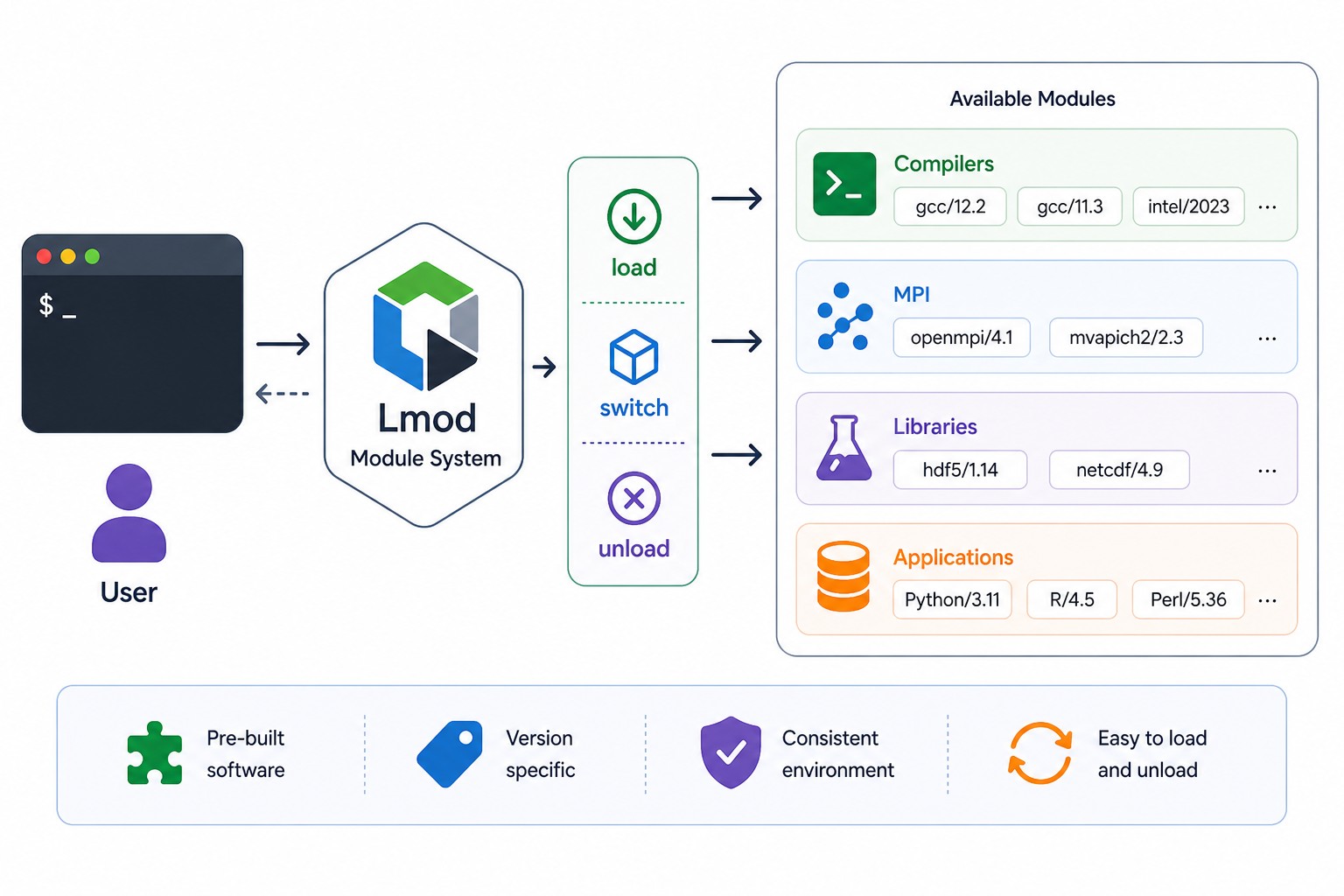
Software on BMRC is managed through the Lmod module system. Rather than installing packages globally or managing conflicting dependencies yourself, modules let you load pre-built, version-specific software into your shell environment on demand — and unload it just as easily.
Each module sets the necessary environment variables (PATH, LD_LIBRARY_PATH, PYTHONPATH, etc.) for a given piece of software, so tools are immediately available without any manual configuration.
Finding Available Software
To browse everything currently installed on the cluster:
This lists all available modules grouped by toolchain. The output can be long — it's often more useful to search by name.
To search for modules matching a keyword, use module spider:
module spider performs a case-insensitive search across all module names and descriptions and is the recommended way to discover software. It will also tell you if a module requires other modules to be loaded first.
To narrow down module avail output to a specific pattern (useful for quick tab-complete style lookups):
Filtering by Pattern
For more flexible searching — for example, finding all Python-related modules regardless of capitalisation — you can pipe the output through grep:
Why 2>&1?
Lmod writes its output to stderr rather than stdout, so you need to redirect stderr to stdout before piping.
Loading and Unloading Modules
Once you've identified the module you need:
It's good practice to specify the full versioned name (as shown by module spider) rather than just module load Python, which will load a default version that may change over time.
To see what modules you currently have loaded:
To unload a specific module:
To unload all currently loaded modules and start fresh:
Module Naming Conventions
Module names on BMRC follow the EasyBuild convention:
For example, Python/3.11.3-GCCcore-12.3.0 is Python 3.11.3 built against the GCCcore-12.3.0 compiler toolchain. Some modules have no toolchain suffix (e.g. git/2.41.0) — these are typically pre-built binaries or system-independent tools.
Quick Reference
| Command | Description |
|---|---|
module avail |
List all available modules |
module spider <name> |
Search for a module by name or keyword |
module load <name> |
Load a module |
module list |
Show currently loaded modules |
module unload <name> |
Unload a specific module |
module purge |
Unload all modules |