Login Troubleshooting
ssh login : Asked for Password instead of First Factor
-
Login to BMRC via a terminal client follows a two prompt sequence,
First Factor:( prompt to enter your BMRC password)Second Factor( Six digit 2FA token generated by an App such MS Authenticator for your BMRC account) -
If you receive the prompt
Password, kill the login attempt immediately with Ctrol+C. This means either:- Your account is locked out due to too many authentication failures. Wait about 10 minutes before trying again (make sure to use your BMRC password and second-factor token).
- The cluster login nodes are not operating correctly (maintenance or unexpected failure). Ideally, reach out to the KIR Research Computing manager directly or via kir-rc@kennedy.ox.ac.uk
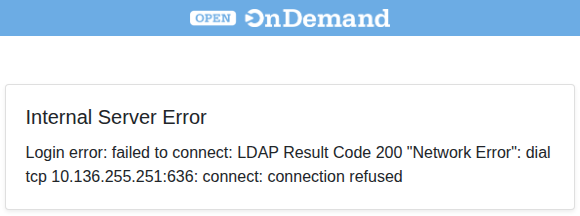
OnDemand login failed due to Internal Server Error
If you see the following error while attempting to access OnDemand as per, it is an indication of a system-wide issue. Contact KIR Research Computing Manager